
The Screenshot Tool That Captures at 16x - Not Your Monitor's Resolution
Chrome extension that captures any full page, element or region at 2x-16x resolution. Your screenshots never leave your device.


 chrome, brave, edgeNothing uploaded, everNo watermark on free exports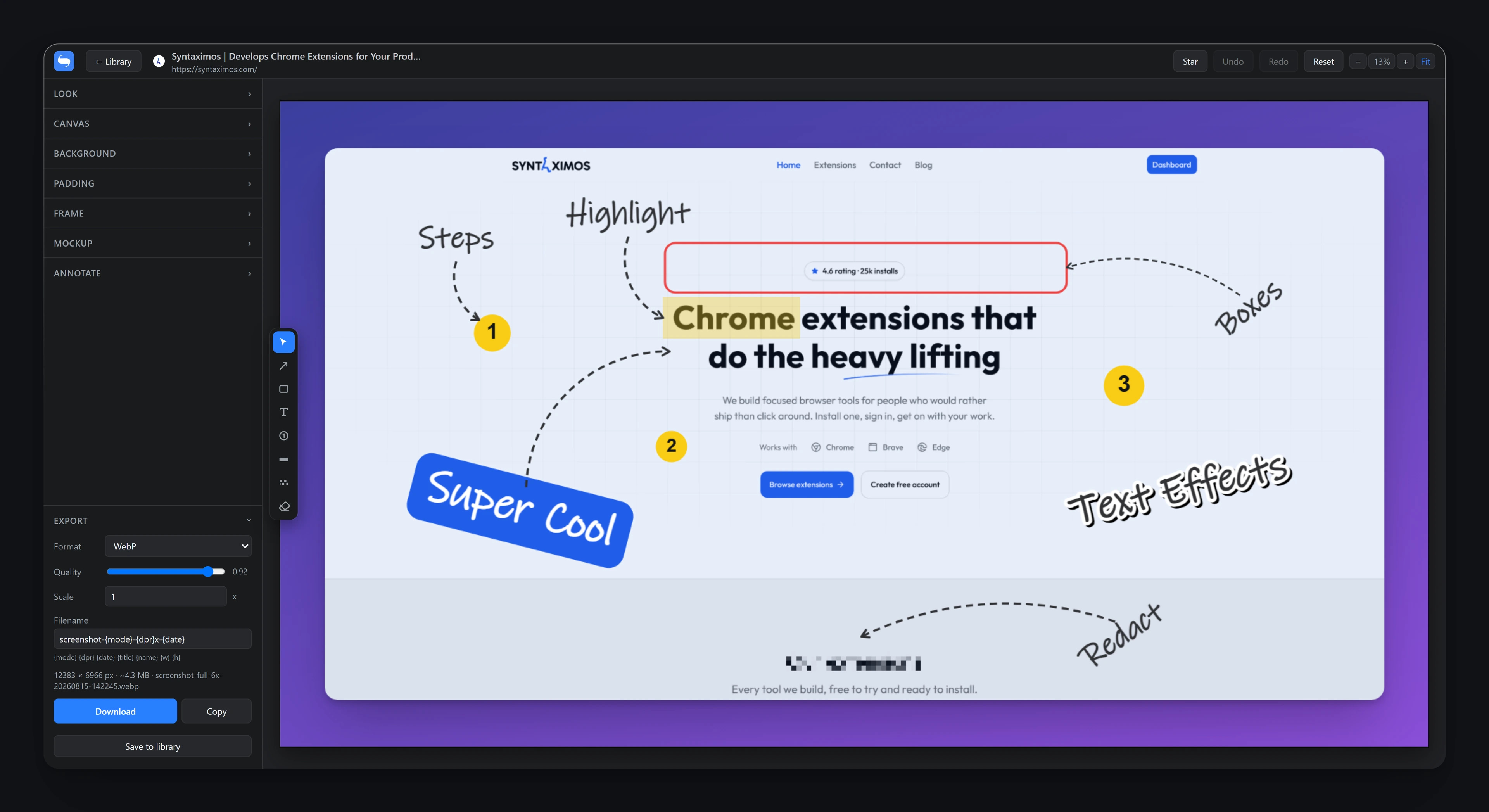
The difference
Most screenshot tools save what your monitor shows
Shotdex re-renders the page through the Chrome DevTools Protocol at the resolution you ask for, so text and icons stay razor-sharp when the image is zoomed, printed, or dropped into a Retina landing page.
Drag the handle across the seam, drag the image to move around, and zoom in until the left side falls apart. Both sides are the same page, the same region and the same moment. Only the capture resolution differs.
- Real re-rendering
- Not an upscale of a blurry PNG. The page is painted again at the pixel ratio you choose.
- No subpixel blur
- Clip edges are snapped to the paint grid, so element and region shots stay clean.
- An honest readout
- The export panel tells you whether the pixels being written are real, including when they are not.
- 16x
- Maximum capture resolution
- 8x
- Extra export scale on top
- 10
- Device and browser frames
- 0
- Screenshots uploaded anywhere
- 14
- Day refund on Pro
Four ways to take the shot
Every shortcut keeps focus on the page, so you can capture open dropdowns, hover menus and tooltips, the things that vanish the moment you click elsewhere.
One screenshot, every look
Backgrounds, frames and annotation are drawn as vectors at export resolution, so nothing softens when you scale it up.
Capture, compose and ship without leaving the tab
Shoot it at the resolution you actually need
True device-pixel-ratio rendering through the Chrome DevTools Protocol, so 4K, 5K and print resolution come off a normal laptop screen.
presets 0.5x, 1x, 1.5x, 2x, 3x, 4x, 6x, 8x
any custom value from 0.1x to 16x, fractions included
real re-rendering, not an upscale of a blurry PNG
clip edges snapped to the paint grid, no subpixel blur
clear warning at Chrome's 16384 px per side limit
Publishable without opening a design tool
Background, padding, radius, shadow, frame and annotation are all drawn as vectors at export resolution, with colours suggested from the shot's own palette.
ten one-click looks with shuffle and seed
linear, radial and conic gradients up to 8 stops
mesh gradients
padding in px or as a percentage, linked or per side
corner radius uniform, per-corner, or inherited from the element
Sized for wherever it is going
One click for an OG image, an X post, a Dribbble shot or a slide, instead of doing arithmetic in another tab.
OG image 1200x630
X post 1600x900
Dribbble 1600x1200
PNG, JPEG and WebP with a quality slider
copy straight to the clipboard or download
Everything in the box
Thirteen tools that used to be two apps and a folder of exports.
How it works
From install to your first export
No setup screen, no project to create. Install it, activate it and take a shot.
Install and activate
Install Shotdex, pin it, and create a free account to activate it. One email and a password - no card.
Pick a mode
Pick a resolution and a mode: full page, viewport, element or region. Or use Alt+Shift+S / F / E / R, which keep focus on the page so you can capture open dropdowns, hover menus and tooltips.
Shotdex re-renders
Shotdex re-renders the page at your chosen device pixel ratio and stitches tall captures into one seamless image.
Style it
The editor opens with the shot. Add a background, padding, a shadow, a mockup frame, arrows, step badges or a redaction - all drawn as vectors at export resolution.
Export or copy
Export as PNG, JPEG or WebP, or copy straight to the clipboard. The original capture stays in your library so you can restyle it later from the original pixels.
Your screenshots stay on your machine
Rendered locally, stored locally, never uploaded. Here are the questions people ask next.
Shotdex against the way this is usually done
Most people use one extension to take the shot and a second tool to make it presentable. Here is what that costs.
Free is for communicating. Pro is for publishing.
Every capture mode, the whole editor and watermark-free export are in Free. Pro is about resolution, and about where the image is going next.
| Feature | Free$0 forever | ProFrom $2.99 monthly, yearly or one payment |
|---|---|---|
| Full Page Capture | Included | Included |
| Element Picker | Included | Included |
| Region Capture | Included | Included |
| High-Resolution Capture | Limited | Included |
| Focus-Preserving Shortcuts | Included | Included |
| Annotate | Limited | Included |
| Backgrounds & Looks | Limited | Included |
| Frame & Padding | Limited | Included |
| Device & Browser Mockups | Limited | Included |
| Canvas Targets | Limited | Included |
| Export & Clipboard | Limited | Included |
| Library That Keeps The Original | Limited | Included |
| Presets & Design Codes | Not included | Included |
| Your Screenshots Stay On Your Machine | Included | Included |
Pick how you want to pay
Monthly, yearly, or one payment for good. The first 500 lifetime licences are $29.99 instead of $39.99.
The questions people ask before installing
Pricing, privacy, the debugger banner and what the free tier actually includes.
Take your first sharp screenshot in about a minute
Pro Lifetime is $29.99 for the first 500 licences, with 499 left. Monthly is $5.99.
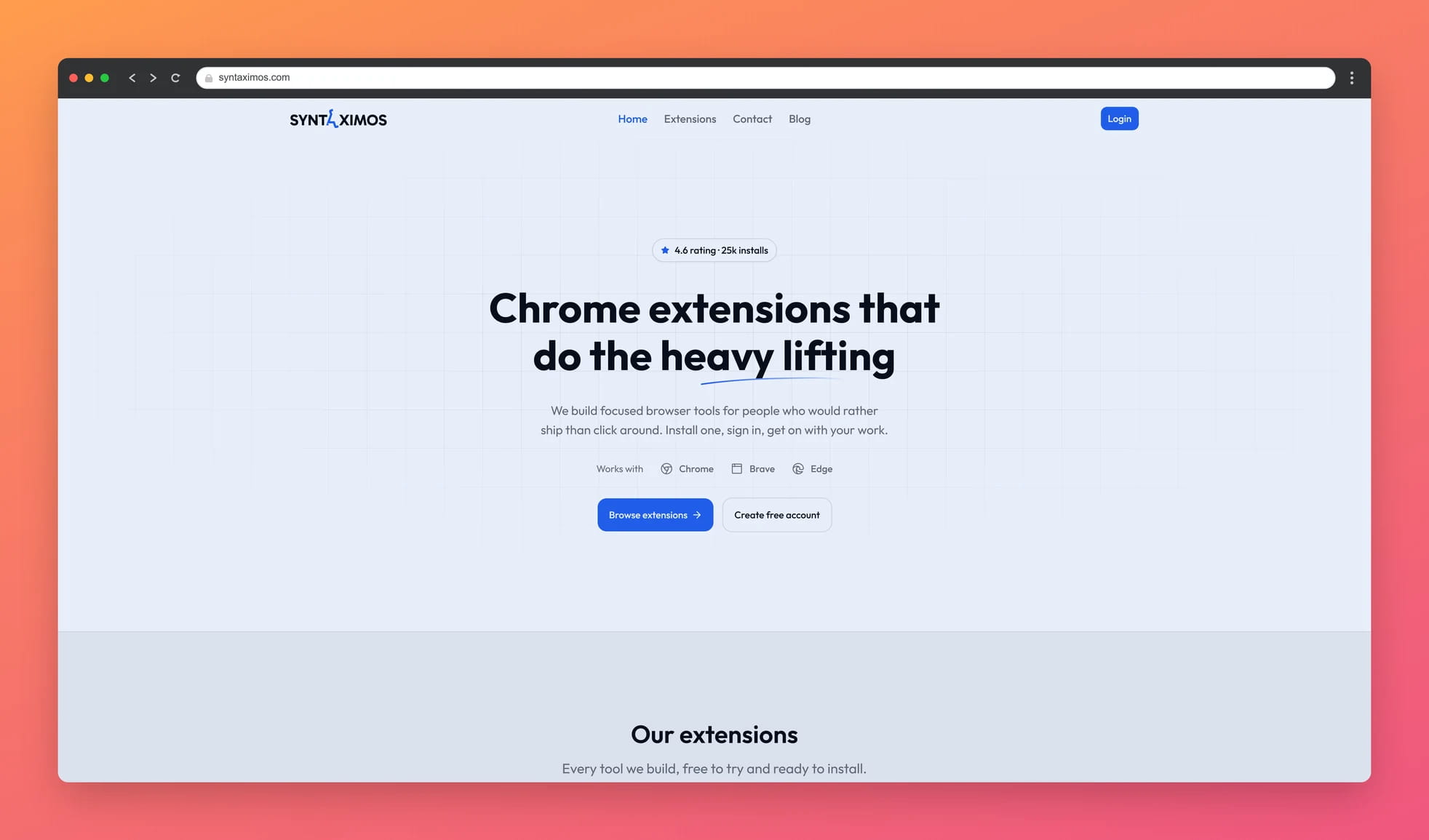
More from Syntaximos
Other Chrome extensions we build and maintain.
The #1 Fiverr Gig SEO Tool With God's Powers to Rank Higher
Chrome extension that analyzes Fiverr to improve your gig SEO and cut down your research time for better rankings.

The Free Screen Recorder That Cannot Lose Your Recording
Record your screen, tab or webcam with mic and system audio. Free, no watermark, no time limit, no upload. Crash-proof. Free forever with a free account.
Find Anything You Have Seen - Full Text Search Across Your Tabs, Bookmarks and History
Search your browsing history, tabs and bookmarks by the words that were on the page. Private and local - your index never leaves your device. Free forever with a free account.