The Syntaximos blog
Practical guides to screenshots, screen recording, browser history and Fiverr gig SEO, written by the team that builds the Syntaximos Chrome extensions.
Guides
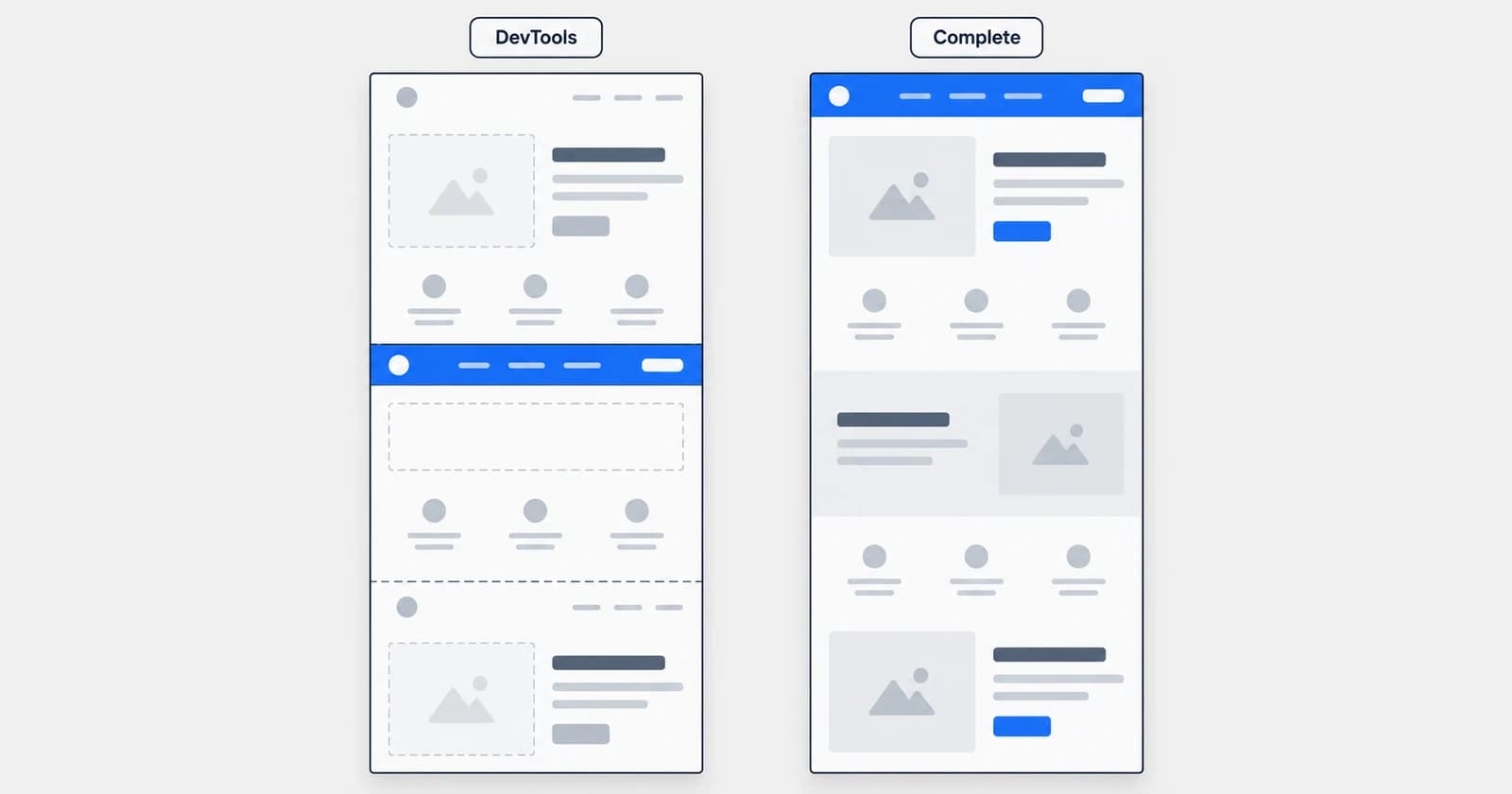
Chrome's “Capture Full Size Screenshot” Not Working? Why It Happens and How to Fix It
We broke Chrome's “Capture full size screenshot” on purpose, six different ways. Here is what each failure looks like, why it happens, and the fix that works.
Syntaximos Team8 min read
Guides
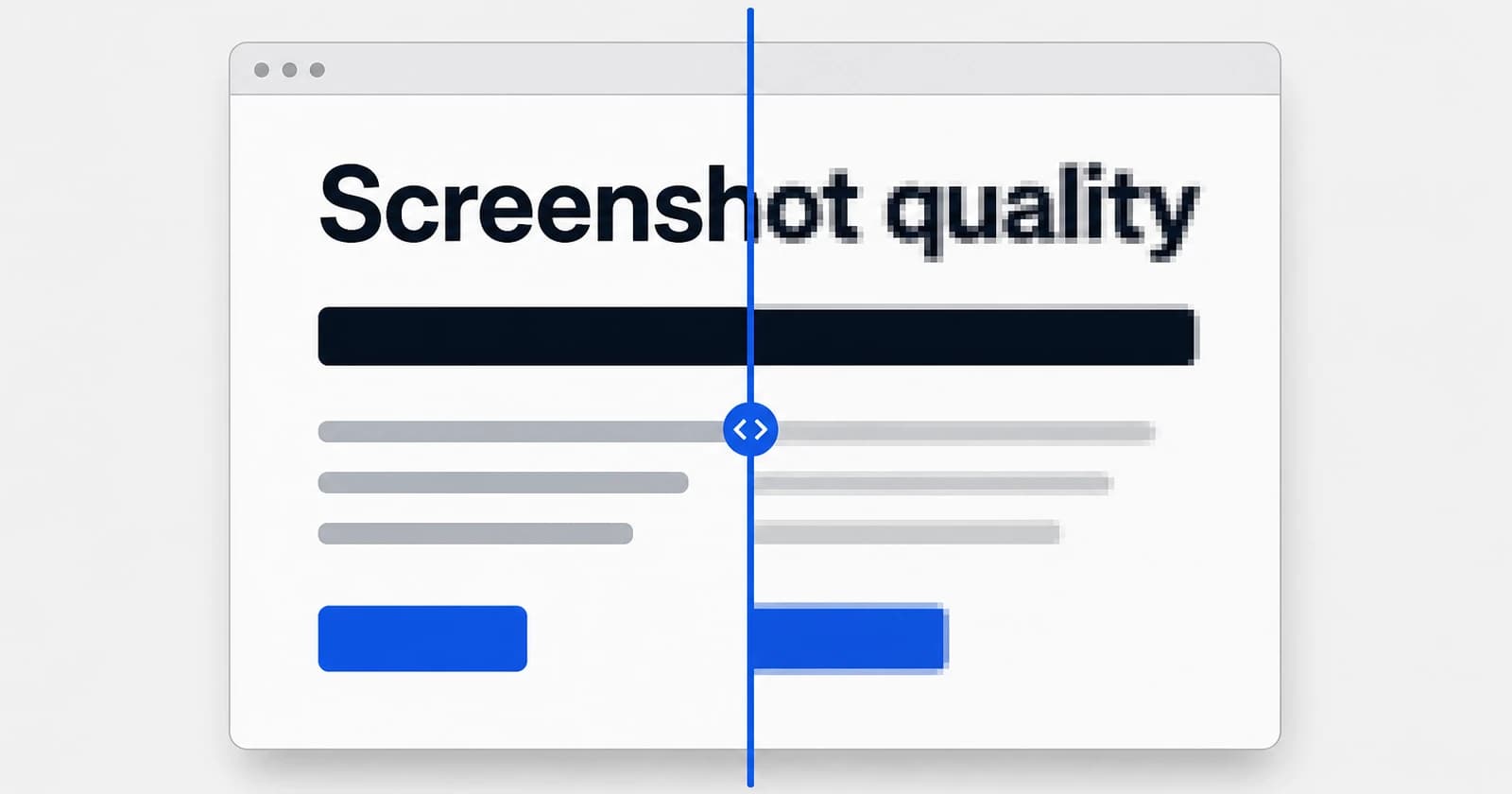
Why Are My Screenshots Blurry? 6 Causes and How to Fix Each One
A screenshot copies your screen exactly, so the blur comes from somewhere else. Six causes, how to tell which one you have, and the fix for each.
Syntaximos Team9 min read
Guides
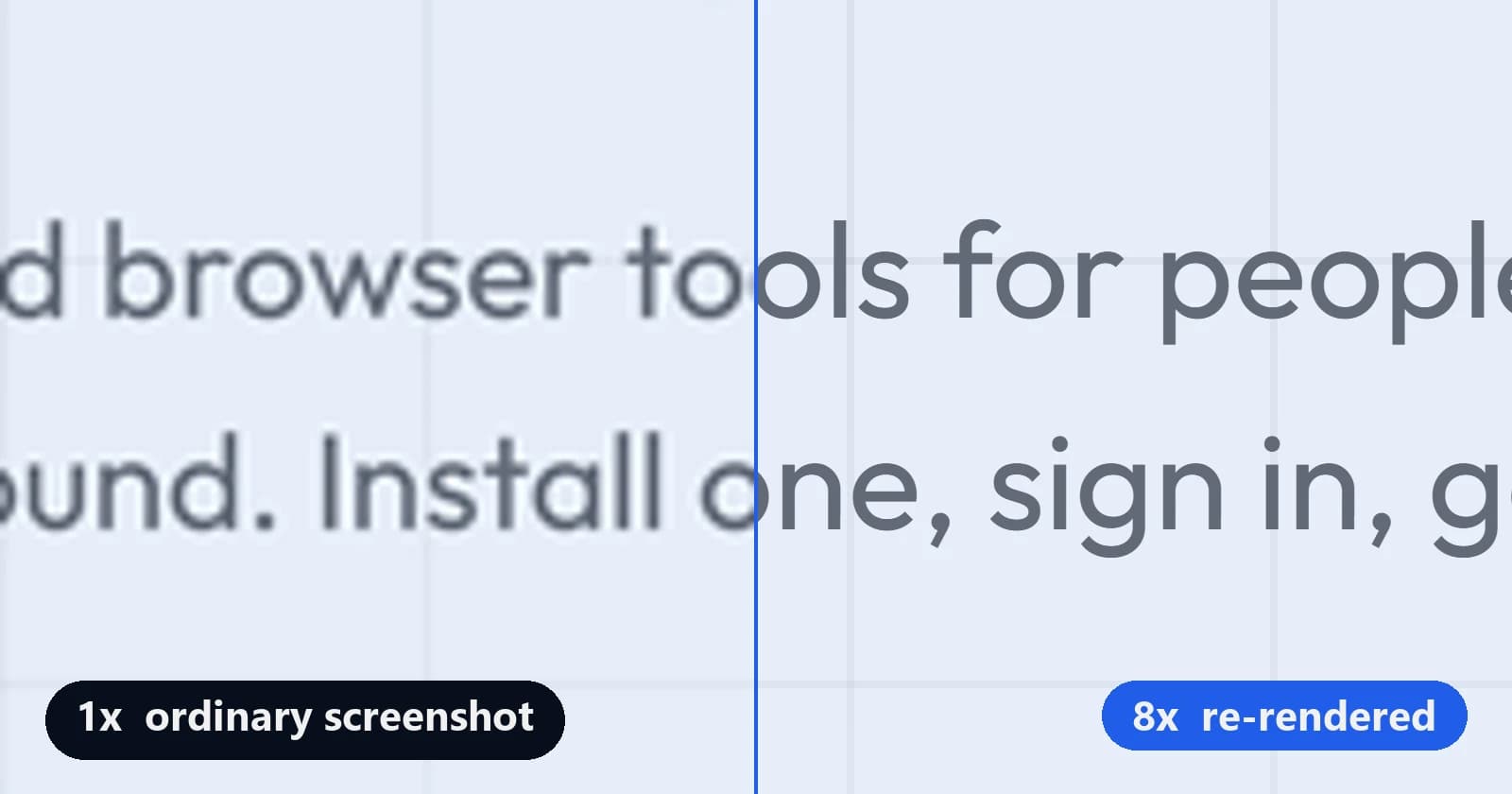
How to Take a High-Resolution Screenshot of Any Webpage (4K, 8K and Beyond)
A screenshot is only as sharp as the screen it was taken on. Here is how to make Chrome paint the page at 2x, 4x or 8x, and capture that instead.
Syntaximos Team8 min read